Your AI agent
in the terminal.
axion wires an LLM into your terminal — code, edit, search, audit software architecture, organize files, uninstall apps, and automate macOS desktops.
$ brew tap terryso/tap && brew install axionrequires macOS 14+ · readme →
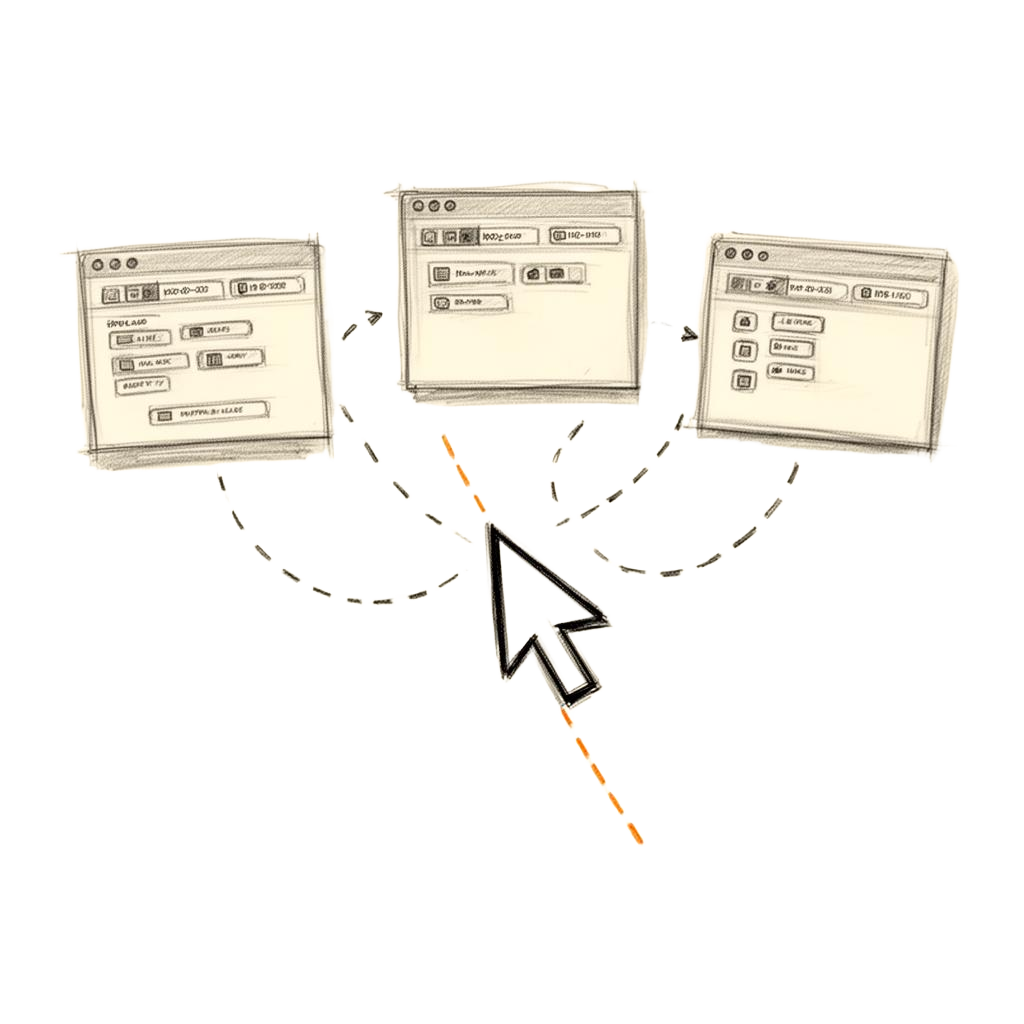
See it in action.
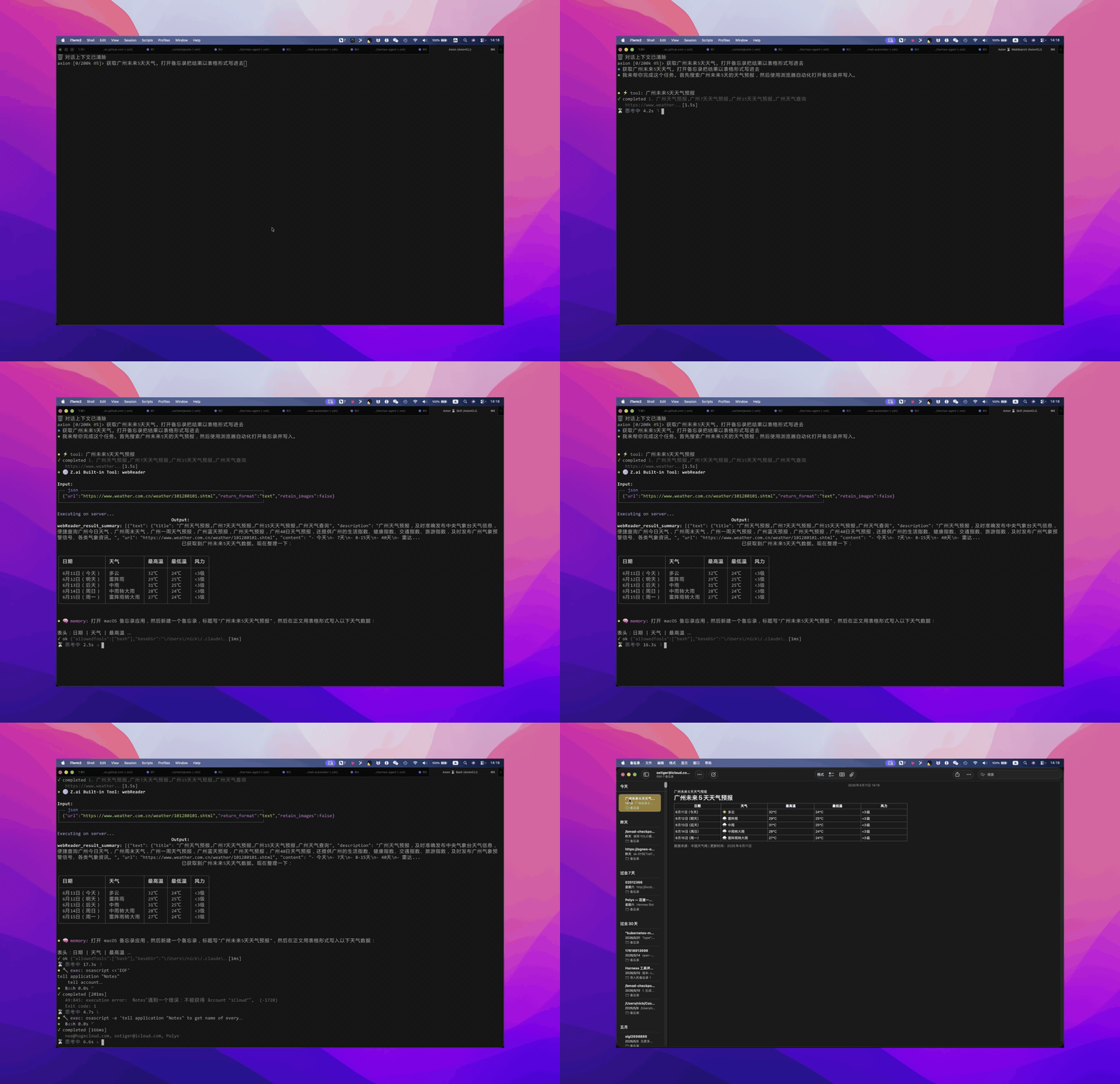
Ask Axion to fetch weather and write it into macOS Notes. Natural language in, desktop automation out.
Code.
Edit.
Ship.
- ● ask it to refactor, it edits files
- ● diff-based approval before applying
- ● Grep/Glob search, LSP navigation
- ● shell commands, web search
Default to --accept-edits when you trust the flow.
What it does.
Axion is a Swift-based AI agent that lives in your terminal. It writes code, edits files, runs shell commands, searches the web, reads documentation, organizes local storage, audits Intel-only software, uninstalls apps with support-data review — and when needed, takes control of macOS desktop apps via native accessibility APIs.
Talk to it. It writes code.
Type axion and start a conversation. Streaming REPL with 19 slash commands, multiline input, CJK support, file edit approval diffs, session resume, /cost tracking, /arch software audits, and /mcp server status. The default mode — no flags needed.
Full tool spectrum.
Bash execution, file read/write/edit, code search (Grep/Glob), web search & fetch, LSP code intelligence — plus 21 native macOS desktop tools via MCP when you need GUI. It picks the right tool automatically.
It learns each app.
Two complementary memory systems: App operation facts (auto-extracted from tool calls) and Universal Memory (environment knowledge in MEMORY.md + user profile in USER.md). Both injected into context on subsequent runs.
Audit and clean up your Mac safely.
Find Intel-only apps and packages with /arch, locate large files, collapse rebuildable caches, organize folders through approval-backed plans, and uninstall apps with support-data review. Storage actions use Trash by default and write manifests for undo.
Hand control back to you.
When automation gets stuck, Axion pauses. Do the click yourself, press Enter, and it picks up from there. Takeover experiences are automatically recorded as Memory.
Done? You get notified.
When a task finishes, Axion sends a macOS desktop notification with the status, an AI-generated one-line summary, and stats — time, LLM calls, and estimated cost.
Record once, replay forever.
Prompt Skills, Recorded Skills, and Built-in Desktop Skills (screenshot-analyze, data-extract, form-fill). Trigger with /skill-name or let the LLM pick the right one. Skills integrate with memory for continuous learning.
It evolves itself.
After each run a background review agent extracts new memory facts and evolves skill definitions. An intelligent curator periodically archives stale skills, consolidates overlapping ones, and prunes redundancies — no user action required.
Plug it into your agents.
Axion speaks MCP, exposes an HTTP API, ships as an SDK reference, and connects via Telegram.
MCP server
Run axion mcp for external clients, or add stdio/SSE/HTTP mcpServers to Axion and inspect them with /mcp.
HTTP + SSE
axion server --port 4242. POST /v1/runs to submit, stream /v1/runs/{id}/events for live progress.
Telegram
Always-on remote control via Telegram bot. Streaming responses, interactive approval keyboards, skill browsing, and targeted network retry/degrade behavior.
OpenAgentSDK
Axion runs on the SDK runtime — AxionRuntime actor, EventBus, pluggable EventHandlers, and Claude Code-compatible Agent, Task, and Skill tools.